
Imagine you’re not a programmer, but you keep thinking: “if only this little script existed” — a tool that renames 200 photos, a mini webpage for your shop, a script that turns your monthly receipts into a table. OpenHands is an open-source AI coding agent (about 82k stars on GitHub) that writes, edits and even runs code for you. You describe the task in plain English; it does the rest, and you can watch it work step by step.
What you need before you start
A PC with Python 3.10–3.12 installed (from python.org, tick “Add to PATH”), and an LLM API key — OpenAI, Anthropic or Gemini all work. The key is the only thing you pay for; OpenHands itself is free. Newer Python versions can also use “uv tool install openhands --python 3.12” if pip gives you trouble.
Step 1 — Install OpenHands
Open PowerShell and run:
pip install openhands-ai
Wait for it to finish — it installs the command-line tool plus the GUI components. Verify with “openhands --version”.
Step 2 — Connect your model API key
Run “openhands auth login”, choose your provider (OpenAI/Anthropic/Gemini), and paste your API key when asked. Or set it as an environment variable — either way, this is the key that powers your AI coder.
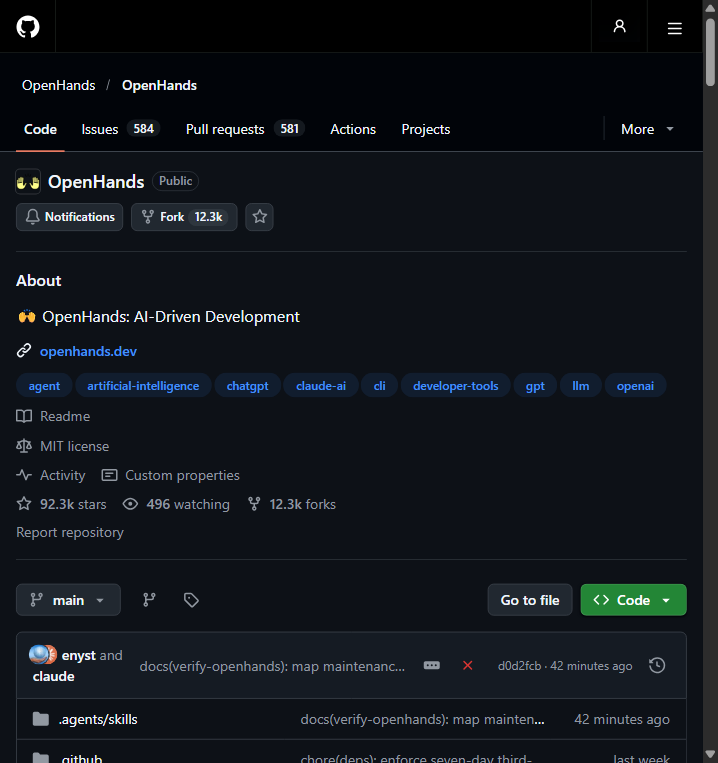
Step 3 — Launch the workspace
Run “openhands serve” (or “openhands” for the terminal mode). It starts a local web workspace and prints a localhost address — open it in your browser. This is your cockpit: a chat panel on the left, a live code/file view in the middle, and a terminal showing what the agent is running.
Step 4 — Give it your first task
Type something everyday, like: “Create a simple webpage that shows a countdown to Chinese New Year, with a nice blue background.” Watch OpenHands plan, write files, and run them. When it asks for approval to run code, you decide — that’s your safety handle. Download or copy the result, and you’ve just had an AI build software for you.
Common beginner pitfalls
- “pip” is not recognized — Python wasn’t added to PATH; reinstall Python and tick “Add Python to PATH”, or use “py -m pip install openhands-ai”.
- Login fails or “invalid API key” — copy the key from your provider dashboard and re-run “openhands auth login”; make sure there’s no extra space.
- The agent asks to run code and you’re unsure — it’s normal and safe to approve inside the sandbox, but review what it’s about to run. Never approve commands you don’t recognize on a machine with real data.
- Tasks too vague — OpenHands works best with a concrete goal (what to build, for whom, any style preference).
- Slow on long tasks — coding agents call the model many times; shorter, single-purpose tasks finish faster and cost less.
Bottom line
OpenHands is the closest thing to hiring a junior developer who works for API-key prices and shows its work. Start with tiny personal tasks, watch what it does, and you’ll be automating your own little scripts in no time.
Official Websites (Avoid Phishing)
Fake and phishing sites often rank high in search results. Only use the official URLs below.
AI Chatbots & Assistants
- Geminigemini.google.com
Open Source & Local AI
- OpenHandsopenhands.dev