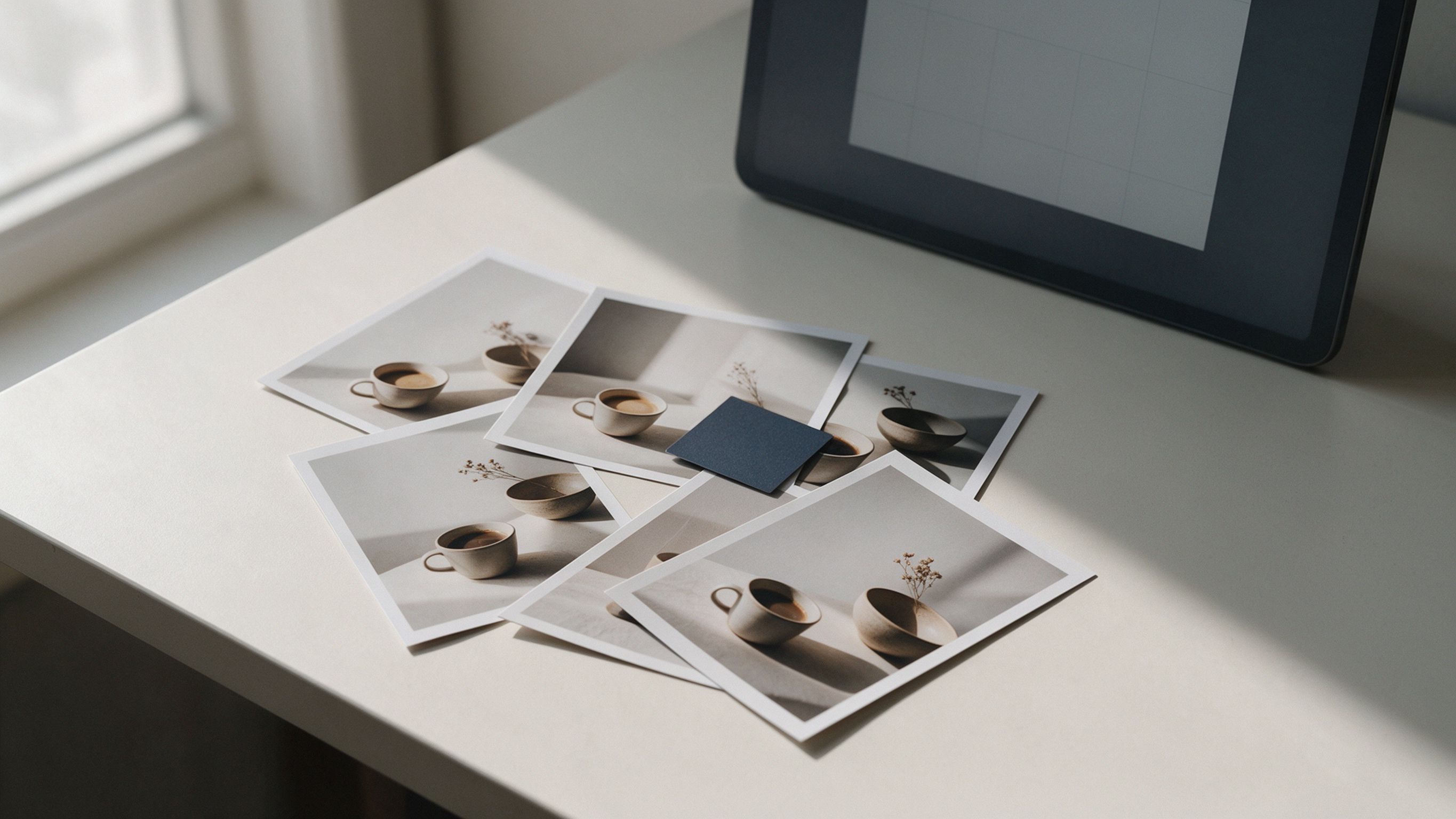
Picture this: you are making a Xiaohongshu cover at 11pm. The picture is almost right (the cup sits a little off-centre, one label is wrong), and every small fix comes back looking like a different photograph: new light, new framing, sometimes a differently shaped cup. That 'change one thing, lose everything' problem is what OpenAI went after on November 4, 2026 with Images 2.6. Same prompt, same subject, edits that stay on the rails, plus a fast mode that returns a draft in about six seconds.
Two models, two clearly separate jobs
| GPT-Image-2.6 Flare | GPT-Image-2.6 Sunburst | |
|---|---|---|
| Built for | Speed: iterate fast and get a usable draft | Quality: detail and consistency across edits |
| Fastest when | Quality set to low: as little as ~6 seconds per image | Quality set to medium or high |
| Best for | Settling composition, testing prompt ideas, quick thumbnails | Final covers, product images, anything you will publish |
| Where | ChatGPT, Codex and the API | ChatGPT, Codex and the API |
The split is the one photographers already use: shoot a lot cheaply, then spend on the final frame. Start in Flare to decide the composition, then switch to Sunburst at medium or high for the version you actually publish.
The three new features you will actually use
- GIF generation: instead of editing a video clip down to a two-second loop, ask for a GIF directly. It fits reaction images, simple product motion, and posts that need movement without sound.
- Photo markup: you annotate the picture and the model acts on your marks: circle the part to change, cross out what should go. This is the feature that kills the 'describe it in words for ten minutes' problem.
- SVG export: vector output that stays sharp at any size and opens in design tools. For logos, icons, simple diagrams and print work this is a genuine change: upscaling a raster file was always the weak link.
Reference images are supported too, and reasoning effort is configurable, in the ChatGPT model picker, or through the API for developers. OpenAI says adjusting complexity carries no separate charge, and recommends low for most editing tasks and medium when detail matters.
When six seconds is the right choice: and when it is not
Six seconds changes how you work as much as how long you wait. When a draft costs six seconds you stop polishing one perfect prompt and start looking at five options, which is genuinely better for composition: you judge pictures by looking at them instead of imagining them. Where it backfires: fine text, hands, faces at small sizes, and anything with a strict layout. Those still need Sunburst at medium or high, and usually a second pass.
Did it fix the Chinese-text problem?
Partly, not completely. Text rendering improved a lot across this generation, but long Chinese strings (especially on posters and e-commerce banners) still break often enough that the safe workflow has not changed: generate a clean background, add the text in Canva or your design tool. What did change is that short labels and a few characters now survive more often, so simple images need fewer retries.
Images 2.6 vs Midjourney vs Jimeng
- Least friction and you are already inside ChatGPT → Images 2.6, no extra subscription.
- One image that has to look beautiful in a marketing post → Midjourney V8.2 still wins on aesthetics.
- Your image needs Chinese text, or you want free daily practice → Jimeng (Seedream 5.0) with daily credits.
- You need vector output for a logo or icon → export SVG from Images 2.6, then clean it up in a design tool.
What to do today
- Open ChatGPT and ask for the same picture twice: once normally, once with quality set low. Compare the time and the result, not the spec sheet.
- Take an image you already like and use markup to change exactly one detail. That is the feature that saves the most time.
- If you publish covers, re-run your three favourite prompts. Consistency across edits is what this release is betting on.
A style lock you can reuse every week
Consistency across covers does not come from retyping a long prompt. It comes from four short lines you keep in a text file and paste unchanged.
- Look: the light and the lens, for example soft morning window light, 50mm, shallow depth of field.
- Palette: two colours and one accent, named plainly.
- Framing: where the empty space sits, because that is where your title will go.
- Never: the things you do not want, listed once, such as no extra text, no floating objects, no glossy plastic.
Change only the subject line each week. If the cover needs a new background, change the look line and accept that the whole series shifts; mixing two look lines in one series is what makes a feed look assembled from stock photos.
What six-second drafts change about how you work
When a draft takes six seconds, the sensible loop changes. You stop writing one perfect prompt and start generating five options, then pick by looking.
- Generate five drafts at low quality with small prompt variations: angle, crop, time of day.
- Pick the one composition that leaves room for your text.
- Re-run that single prompt at medium or high quality.
- Fix one detail with markup, not with a paragraph of description.
- Export at the size you need, and pull an SVG only when the image is a logo, icon or diagram.
The trap is spending the saved time on more drafts. Five options and one good final image beat fifteen drafts and none you would publish.
Bottom line
Images 2.6 is about workflow, not a new art style: faster drafts, edits that stay put, GIF and SVG out of the same box, and markup replacing paragraphs of description. For anyone making covers and product images every week, that is worth more than a prettier model.
Official Websites (Avoid Phishing)
Fake and phishing sites often rank high in search results. Only use the official URLs below.
AI Chatbots & Assistants
- ChatGPTchatgpt.com
AI Image
- Midjourneymidjourney.com
- Jimengjimeng.jianying.com
Productivity
- Canvacanva.com