Picture this: you want to post on Xiaohongshu tonight but you have no good cover image; your blog article needs a featured image; or you just want a fresh profile avatar. You can't draw, you don't own Photoshop, and hiring a designer for one picture feels ridiculous. In 2026 you don't need any of that: AI image generation turns a sentence you type into a finished picture in about a minute, and a usable cover takes about ten minutes start to finish. This guide walks you through ChatGPT image generation, Jimeng and Canva, from zero to a real Xiaohongshu cover.
Before you type anything: decide three things
AI images fail mostly because the prompt is vague, not because the AI is bad. Spend two minutes answering three questions first. First, the subject: what exactly is in the picture? A latte, a cat, a girl in a yellow dress? The more concrete, the better. Second, the style: what should it look like: 3D cute, Instagram style, hand-drawn, photo-realistic? Third, the ratio: how tall or wide? Get this wrong and your image will be cropped awkwardly.
- 3:4 portrait: the Xiaohongshu cover standard; taller than it is wide
- 1:1 square: avatars, Instagram feed posts, product cards
- 16:9 wide: article featured images, YouTube thumbnails, blog banners
Copy-paste prompt templates
You don't have to invent prompts from scratch. Copy one of these, change the subject, and run it. The formula is: subject + style + lighting + ratio + negative prompt (the things you don't want in the picture).
A street-side coffee shop on a summer afternoon, an iced latte on a raw wood table, an open magazine and a bunch of dried flowers beside it, sunlight slanting in through the glass window, soft warm tones, Instagram-style photography, clean composition with plenty of negative space, vertical 3:4. Negative: text, watermark, distorted fingers, stray faces.
A round-faced orange cat in a small straw hat sitting on the grass, 3D cartoon cute style, macaron colour palette, soft light, square 1:1, clean solid background. Negative: text, watermark, low resolution, extra limbs.
A person at a desk working on a laptop, coffee and a small potted plant nearby, hand-drawn watercolour style, bright and fresh, landscape 16:9, leave empty space in the top right for a title. Negative: text, watermark, cluttered background, too dark.
The negative prompt means 'please don't draw these things': usually text, watermarks, weird hands, blurry output. Add it every time and it removes most ugly images.
Five lines that stop you rewriting the prompt five times
Works in Jimeng, ChatGPT image generation, Canva or any tool in this guide. Each line settles one decision the model would otherwise guess.
Subject: one ceramic mug on a wooden windowsill, morning light
Style: 35mm film photo, soft grain, no filter
Composition: mug in the bottom third, empty space in the top half for a headline
Palette: warm cream, muted sage, one dark accent
Frame: vertical 4:5
Avoid: text, watermark, logos, extra handles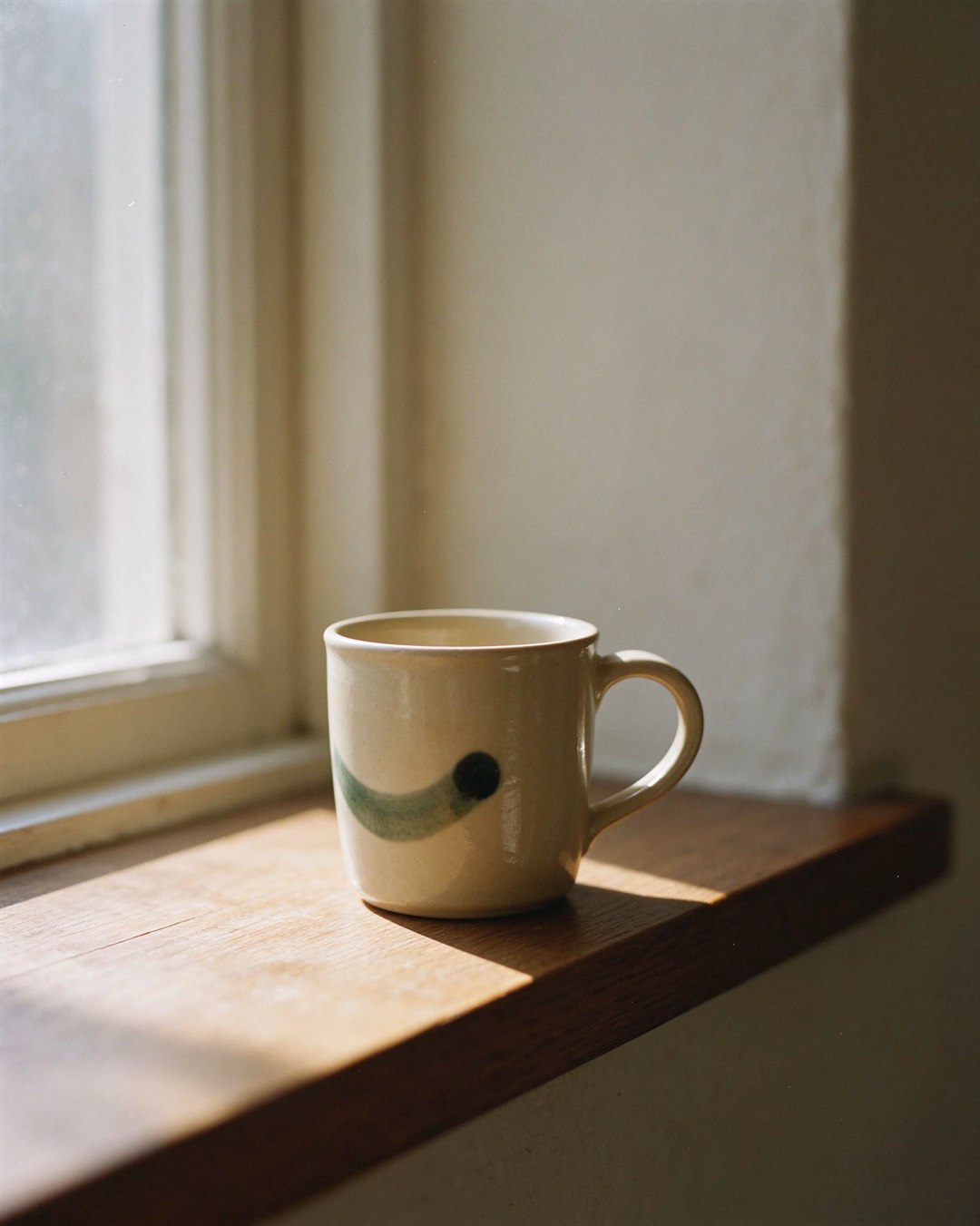
The three tools, and which to use when
ChatGPT image generation
You're already in a chat window. Just type the prompt and it draws. You can also upload a reference photo and say 'make this into a watercolor illustration'. Free accounts can generate basic images with a limited daily quota; the paid Plus plan adds more modes and higher limits. Exact quotas change often, so check the official site before paying anything.
One update worth knowing: on November 4, 2026 OpenAI shipped Images 2.6, which splits into a fast model (Flare, a draft in as little as six seconds) and a quality model (Sunburst, better detail, and edits that stay consistent when you change the same picture again). It also added GIF generation, photo markup (circle the part you want changed) and SVG export. In practice: use the fast model to settle the composition, then the quality model for the version you post.
Jimeng
Jimeng is a Chinese-made tool, reads Chinese prompts naturally, and gives daily free credits that are enough for a beginner to practice all day. The workflow is simple: paste your prompt, pick the ratio (3:4 / 1:1 / 16:9), hit generate, then download the result to your phone or computer. Credits reset daily; the exact free quota is posted on their official site, so check it there.
Canva
Canva is not mainly an AI generator. It's a template library plus a design editor. The smart combo: generate the artwork in ChatGPT or Jimeng, bring it into Canva, pick a cover template, and drag on the title text. This is how real Xiaohongshu covers get their neat, professional-looking typography, because AI is terrible at writing Chinese characters (more on that below).
Full walkthrough: a 'summer coffee shop' Xiaohongshu cover
- Step 1, pick the tool: open Jimeng on your phone (free credits, Chinese prompts welcome)
- Step 2, paste the coffee template above and set ratio to 3:4, then generate; if you don't like it, hit generate again. Each click is a new take
- Step 3, download your favourite image to the phone
- Step 4, open Canva, search 'Xiaohongshu cover' templates, pick one in the same warm style
- Step 5, replace the template's background with your generated image, then add the title text, e.g. 'My Favourite Coffee Shop This Summer'
- Step 6, export as PNG and post
Common mistakes beginners make
- Asking the AI to write text on the image: Chinese characters come out garbled. Solution: generate a clean background, add all text in Canva
- Picking the wrong ratio: a 16:9 image stretched into a 3:4 cover looks cramped. Decide the ratio before generating
- Not knowing style words? Start from a short list: 3D cute, Instagram style, hand-drawn, watercolour, photo-realistic, minimalist flat
- Ignoring safe margins: keep the subject centered, because the platform may crop the edges when displaying. Never put the title or a key detail right at the edge
That's the whole skill: decide subject, style and ratio, copy a prompt, generate two or three times, add the text in Canva. You now have everything a designer would charge money for, except it took ten minutes and cost nothing. Tomorrow, swap the subject in the template and you've made another cover.
Official Websites (Avoid Phishing)
Fake and phishing sites often rank high in search results. Only use the official URLs below.
AI Chatbots & Assistants
- ChatGPTchatgpt.com
Productivity
- Canvacanva.com
AI Image
- Jimengjimeng.jianying.com
AI Search
- Exaexa.ai