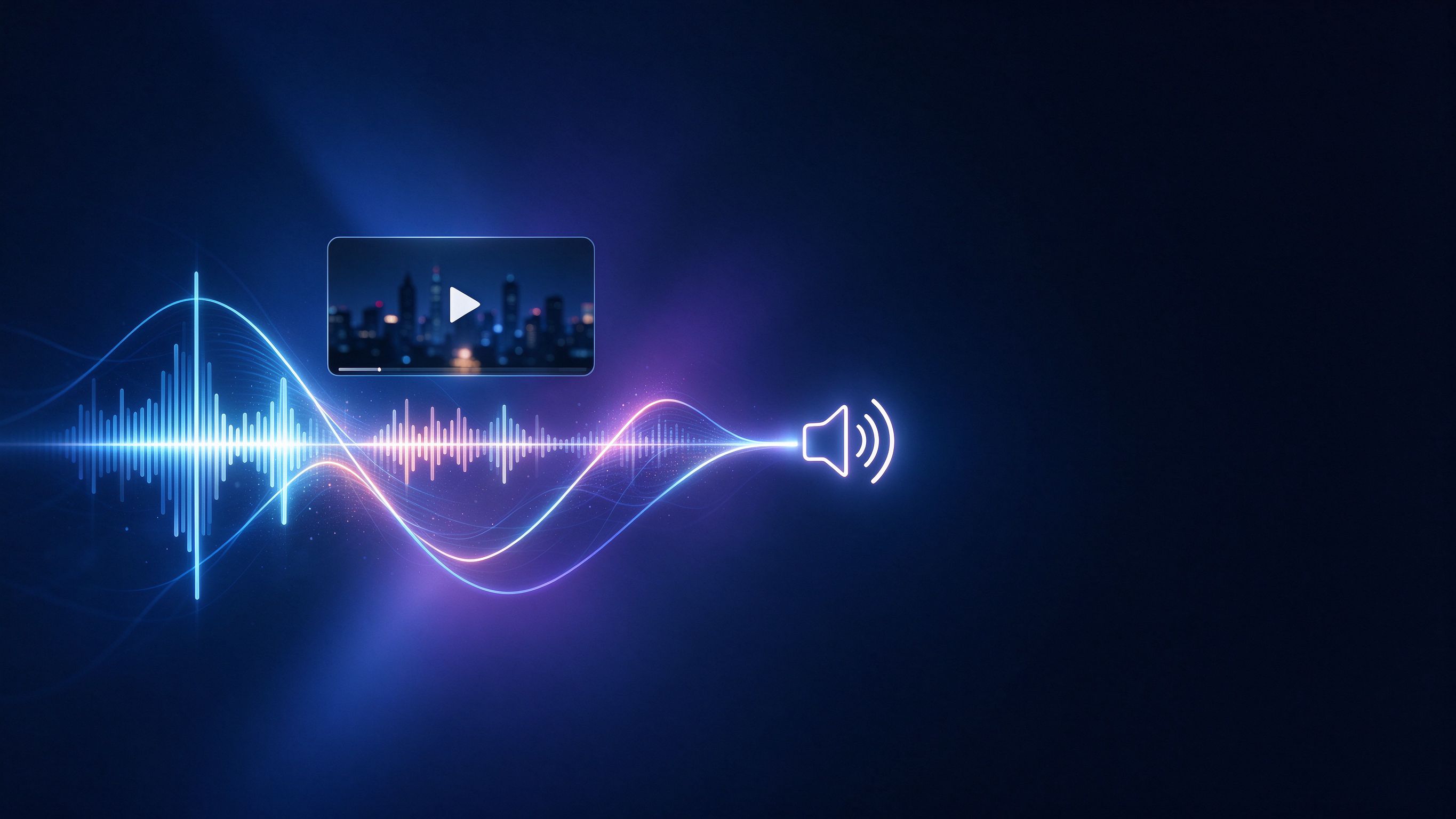
Two very different situations get filed under the same word, voice. In the first, your video is edited and it needs narration, so you want a finished audio file you can drop into the timeline. In the second, you are driving and want to ask a follow-up question without restarting the sentence. ElevenLabs solves the first. ChatGPT Voice on GPT-Live-1 solves the second.
| ElevenLabs | ChatGPT Voice | |
|---|---|---|
| What it produces | An audio file of your script read aloud | A spoken conversation inside ChatGPT |
| Model | Eleven v4, released September 2026 | GPT-Live-1 for Go, Plus and Pro; GPT-Live-1 mini for free accounts |
| Languages | More than 90, Chinese included | Whatever the chat model handles |
| Free tier | 10,000 characters a month, no card | Free accounts run the mini model |
| Price | Paid plans from $6 a month for 30,000 characters | Included in the ChatGPT plan you already have |
| Best for | Video voiceover, courses, audiobooks | Live questions, language practice, hands-free use |
ElevenLabs: script in, audio out
ElevenLabs is a text-to-speech platform. You paste a script, pick a voice from a library of more than 10,000, and download audio. Eleven v4, its September 2026 model, is the most expressive version so far, with better emotion and more natural rhythm, and voice cloning that covers the same 90-plus languages.
The reason people keep it in their workflow is not the voice quality alone. It is that you never re-record. Change a sentence in the script, regenerate, and the whole take is consistent. That also means a series of videos can share one host voice, and one script can become several language versions.
- Sign up at elevenlabs.io. The free plan gives 10,000 characters a month with no credit card.
- Write the script in short sentences with natural punctuation. Long unbroken sentences read worse.
- Search the Voice Library for a Chinese voice, preview a few, and pick the one that matches the video's mood.
- Tune speed, stability and style with the sliders before you spend characters on a full run.
- Generate, listen, download, and drop the file into your editor.
ChatGPT Voice: the part that changed
The change that matters is the model behind the voice. Paid accounts (Go, Plus, Pro) now run GPT-Live-1, free accounts run GPT-Live-1 mini, per OpenAI's release notes of October 30. Both are full-duplex, meaning they listen and speak at the same time, so interrupting works the way it does with a person.
- Full-duplex conversation: interrupt mid-sentence and it stops and answers.
- Voice replies appear next to streamed text in the same chat, so you can read while you listen.
- The conversation is also a written transcript you can scroll back through, copy and edit.
- It lives inside a normal ChatGPT chat, so nothing is lost when you close the voice mode.
- Open ChatGPT on the web or in the app and tap the voice icon.
- Pick a voice and start talking. Deliberately interrupt once to feel the difference.
- Scroll the chat afterwards: the spoken exchange is already text you can reuse.
Which one to open first
- You need a file to put under a video: ElevenLabs, because ChatGPT Voice does not export an audio track for editing.
- You need the same voice across ten episodes: ElevenLabs, because a fixed library voice is the point.
- You need one script in three languages: ElevenLabs, which covers more than 90 languages from the same text.
- You need to ask questions while your hands are busy: ChatGPT Voice, which is built for exactly that.
- You are practising a language out loud: ChatGPT Voice, because it answers back and corrects in the same turn.
A voiceover workflow you can copy for any video
Paste this into your notes and work down it. It assumes the ElevenLabs free tier, so keep an eye on the 10,000 characters.
1. Paste your script into a doc and cut every sentence over 20 words into two.
2. Mark the words that must be stressed, so you know which lines to regenerate if they land flat.
3. Search the Voice Library for a Chinese voice, preview three, keep one.
4. Generate the first 60 seconds only, listen on headphones, then adjust speed and stability.
5. Generate the rest, download each file, and name them 01_intro, 02_body so the editor stays sane.Costs and limits, plainly
ElevenLabs free is about 10 minutes of audio a month, which is enough to test but not enough for a weekly series. The paid entry point is $6 a month for 30,000 characters, and commercial use sits behind a paid plan. ChatGPT Voice costs nothing extra beyond your existing subscription, and the mini model is available to free accounts.
Pick by the output you need. If the deliverable is a file, ElevenLabs is the shorter path. If the deliverable is an answer, ChatGPT Voice is the one built for it.
Official Websites (Avoid Phishing)
Fake and phishing sites often rank high in search results. Only use the official URLs below.
AI Chatbots & Assistants
- ChatGPTchatgpt.com
AI Audio & Voice
- ElevenLabselevenlabs.io