
Your aunt’s birthday is next week and you want a video that turns her old photos into a moving story; you run a small shop and want a 15-second product video for your ad; you’re a hobbyist who wants to see “a dragon flying over your hometown at sunset” become real footage. Three Chinese AI video tools make this possible for free or pocket money: Kling (Kuaishou), Jimeng (ByteDance) and Hailuo (MiniMax). Here’s who’s best at what.
Kling — the all-round film-maker
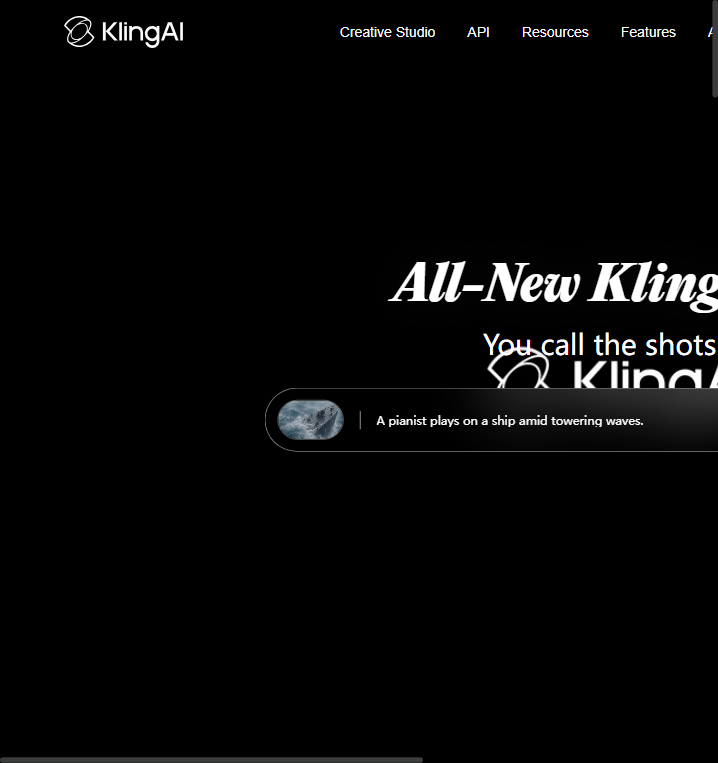
Kling (kling.ai) from Kuaishou is the most popular Chinese AI video generator. It’s strong at realistic motion, longer clips, and “image-to-video”: give it a photo and it animates it. If you want your family photos to move, or a polished product video from a single image, start with Kling. It also has an English interface and API for creators.
Jimeng — the friendly all-rounder (ByteDance)
Jimeng (jimeng.jianying.com) lives inside ByteDance’s ecosystem, so it’s easy to use on your phone and offers generous free credits. It’s great for quick social clips, anime-style content and mixing music into your video. If you’re on mobile most of the time and want something that just works, Jimeng is the smoothest entry.
Hailuo — the cinematic stylist (MiniMax)
Hailuo (hailuoai.com) from MiniMax is famous for movie-like camera work — sweeping shots, dramatic lighting, storytelling that feels like a film trailer. It’s the one to pick when the clip’s atmosphere matters more than the subject. Good free tier for trying; paid plans for higher resolution and longer videos.
How to start (same flow on all three)
- Sign up on the official site or app (each gives free credits on first registration).
- Type one vivid sentence: subject + action + scene + mood, e.g. “a fox walking through a misty bamboo forest at dawn, cinematic lighting”.
- Pick a duration (5/10 seconds) and aspect ratio (16:9 for YouTube, 9:16 for TikTok/Reels).
- Click generate and wait — most clips take a few minutes.
- Download, then post or edit with your phone’s editor. Keep an eye on credits; free tiers refill daily on some plans.
Common beginner pitfalls
- Prompts too vague — “a cat” gives generic results; “a ginger cat jumping onto a windowsill in the rain, close-up, cozy light” gives usable footage.
- Faces and hands wobble — AI video still struggles with fast limb motion; slow, simple actions generate cleaner clips.
- Text in video is unreliable — avoid asking for signs or subtitles inside the clip; add captions in your editor instead.
- Free tier limits — check your remaining credits before long sessions; paid plans start at a few dollars a month.
- Watermarks — free tiers often watermark; remove it via paid credits if you plan to publish commercially.
Bottom line
Kling for realistic motion and image-to-video, Jimeng for easy mobile fun, Hailuo for cinematic atmosphere — and all three are affordable enough for hobbyists. Describe one vivid scene tonight and you’ll have a clip before bed.
Official Websites (Avoid Phishing)
Fake and phishing sites often rank high in search results. Only use the official URLs below.
AI Video
- Klingklingai.com
AI Chatbots & Assistants
- MiniMaxminimax.io
AI Image
- Jimengjimeng.jianying.com